Patient Portal
Patient Portal
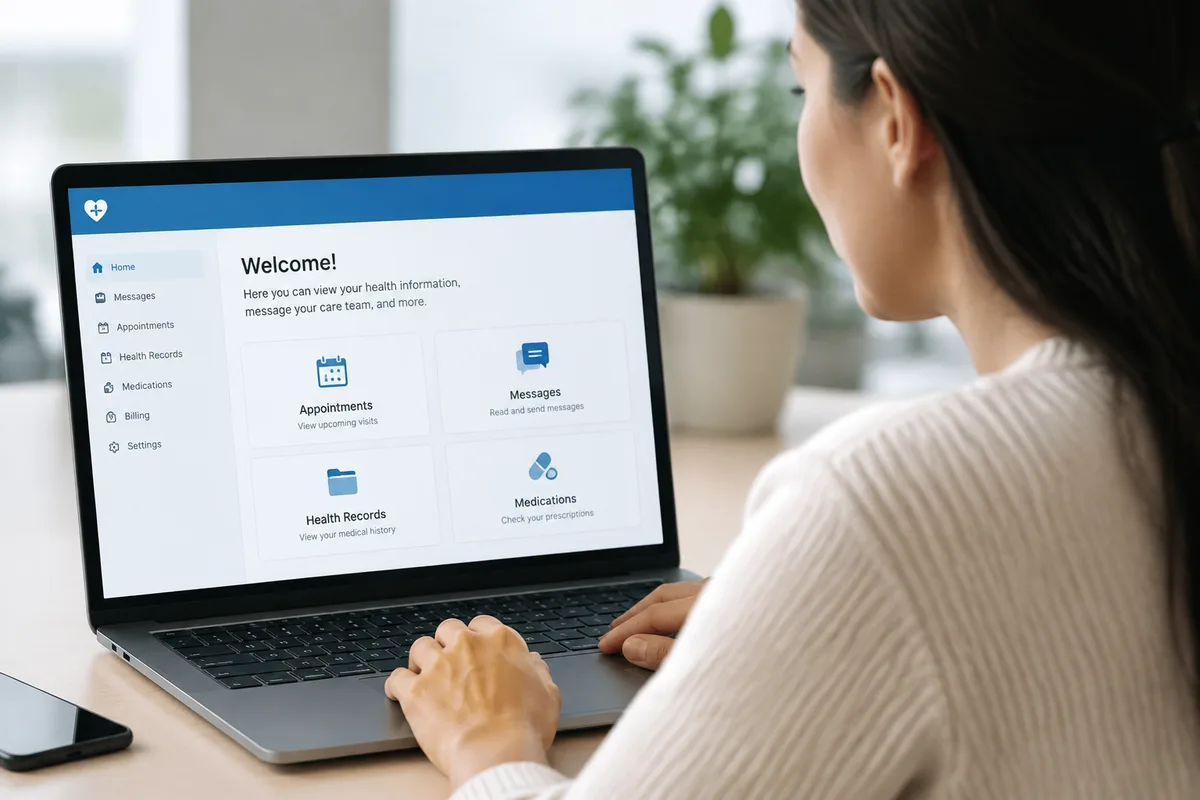
The Patient Portal is a secure online tool that gives you direct access to your health information between visits. At Quentin Medical Pc, it works alongside our other on-site systems to keep your visit summaries, lab results, and messages with the office organized and easy to find, whenever you need them.
What patient Portal is
A patient portal is a password-protected website or app connected to a practice's electronic health record system. Instead of waiting for a phone call or a mailed letter, patients can log in to view recent visit notes, check lab results as they become available, and send secure messages to the office. It replaces older, slower ways of exchanging basic information, such as playing phone tag to get a result or request a form.
Because the portal draws directly from the same record your care team uses, the information you see reflects what was documented during your visit. This reduces confusion and gives you a single place to return to, rather than juggling paper printouts or separate emails.
How we use it at Quentin Medical Pc
Our office keeps your history, medications, and results in one secure Electronic Health Records system, and the Patient Portal is the window that lets you see relevant parts of that record from home. When labs are drawn during an In-Office Blood Draw, or when in-office tests such as Point-of-Care HbA1c Testing, Urinalysis, or Rapid Strep & Flu Testing are run, results are documented in your chart and can appear in your portal account once they are finalized.
The portal also connects to our E-Prescribing system in a general sense: once a prescription is sent electronically to your pharmacy, the record of that visit and its plan is available for you to review later. If you have a question after your appointment, whether about a Chronic Disease Management follow-up, a Preventive Care recommendation, or a routine Wellness Visit, the portal gives you a direct, secure way to message our office rather than waiting on hold.
What it means for you
Having online access to your visit summaries and results means you do not have to rely on memory to recall what was discussed at your last appointment. You can review medication names, instructions, and test results at your own pace, and revisit them before a follow-up visit or when preparing for an appointment with a specialist.
Secure messaging through the portal can also mean fewer unnecessary phone calls and less time spent waiting for a callback on non-urgent questions. For patients managing ongoing conditions such as diabetes, hypertension, or asthma, easy access to recent readings and results can make it simpler to stay engaged with a care plan between visits.
What to expect during your visit
Using the Patient Portal does not change what happens during your appointment. You will still be seen for your Sick Visit, Annual Physical Exam, or Chronic Disease Management check-in as usual, with any in-office testing, such as Automated Blood Pressure Monitoring, Pulse Oximetry, or a 12-Lead EKG, performed and documented as part of that visit.
After your visit, the information gathered is entered into your Electronic Health Records, and any relevant summary or result is made available through your portal account, typically once it has been reviewed. If labs were sent out from an In-Office Blood Draw, results may take a few days to post, depending on the specific test. You can log in whenever it is convenient to check for updates or send a message, rather than needing to call the office directly.
Frequently asked questions
Is the Patient Portal secure?
The portal is designed to be a secure, password-protected way to access your health information, consistent with how your Electronic Health Records are stored and managed. Only you, using your own login, should be able to view your account.
How long does it take to see my results?
Timing depends on the type of test. Some in-office tests, such as a Rapid Strep & Flu Test or Urinalysis, may be reviewed with you at the visit, while labs sent out from an In-Office Blood Draw are typically posted once results are finalized and reviewed by the office.
Who can use the Patient Portal?
The portal is intended for patients of the practice who want online access to their own visit summaries, results, and secure messaging. It is generally suitable for anyone receiving Primary Care, Preventive Care, or Chronic Disease Management here, regardless of age or condition.
Do I need to do anything special before using it?
No special preparation is needed. You will typically be given information about setting up your account during or after a visit, and from there you can log in whenever you like to review your information or send a message to the office.
If you would like to learn more about the Patient Portal or set up your account, reach out to Quentin Medical Pc and we will be glad to help.
This content is for general information only and isn't medical advice. Talk with your doctor about your own situation. If you have a medical emergency, call 911.